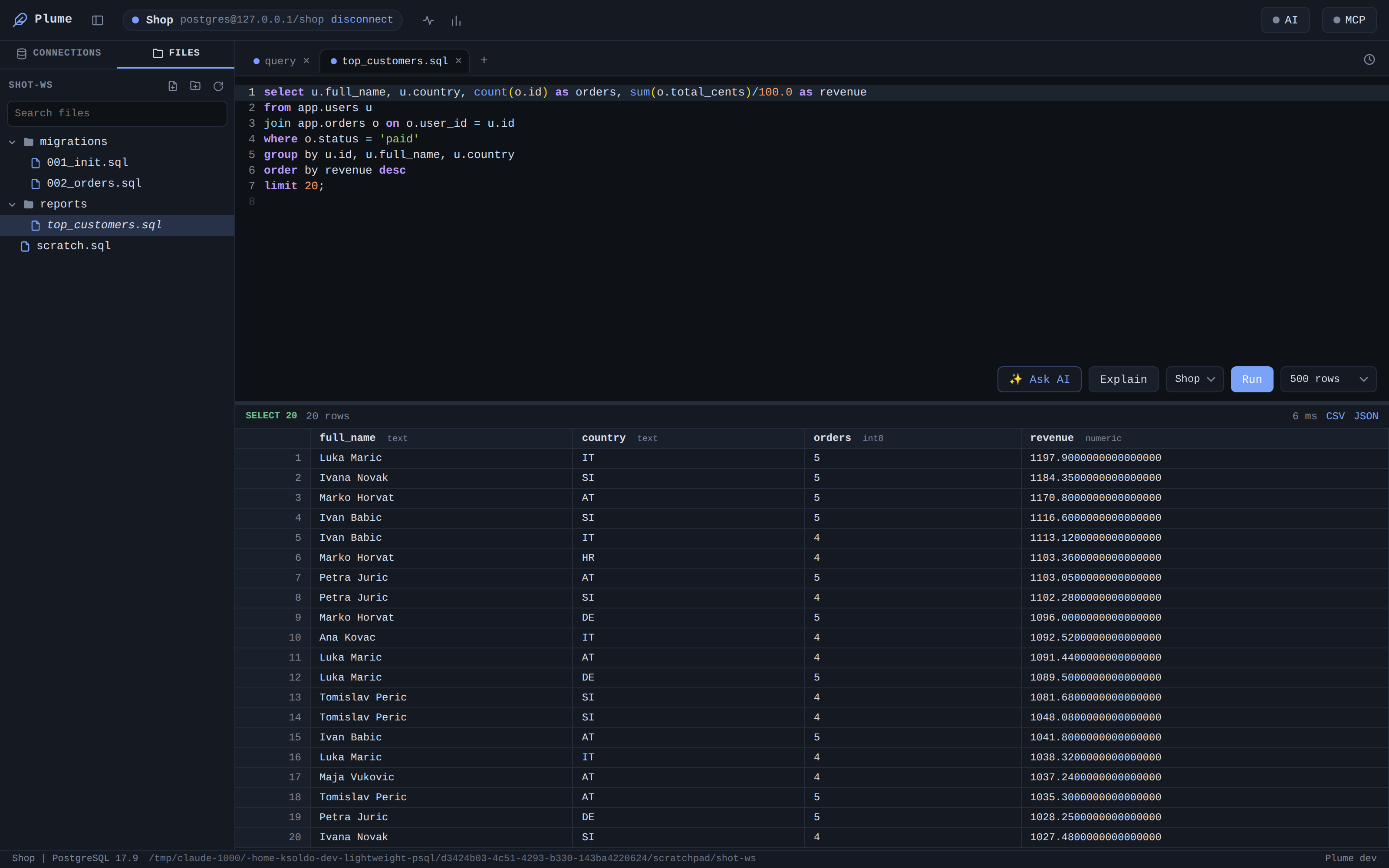
Monaco SQL editor
The editor from VS Code, with schema aware completion, a command palette, multi cursor and pgsql highlighting. Run the selection, the statement under the cursor, or the whole file.
featherweight postgresql client
Plume is a small, fast desktop client for PostgreSQL. One tiny binary, instant startup, a real code editor and a workspace that remembers exactly where you left off. No telemetry, no clutter, no browser tab.
features
The editor from VS Code, with schema aware completion, a command palette, multi cursor and pgsql highlighting. Run the selection, the statement under the cursor, or the whole file.
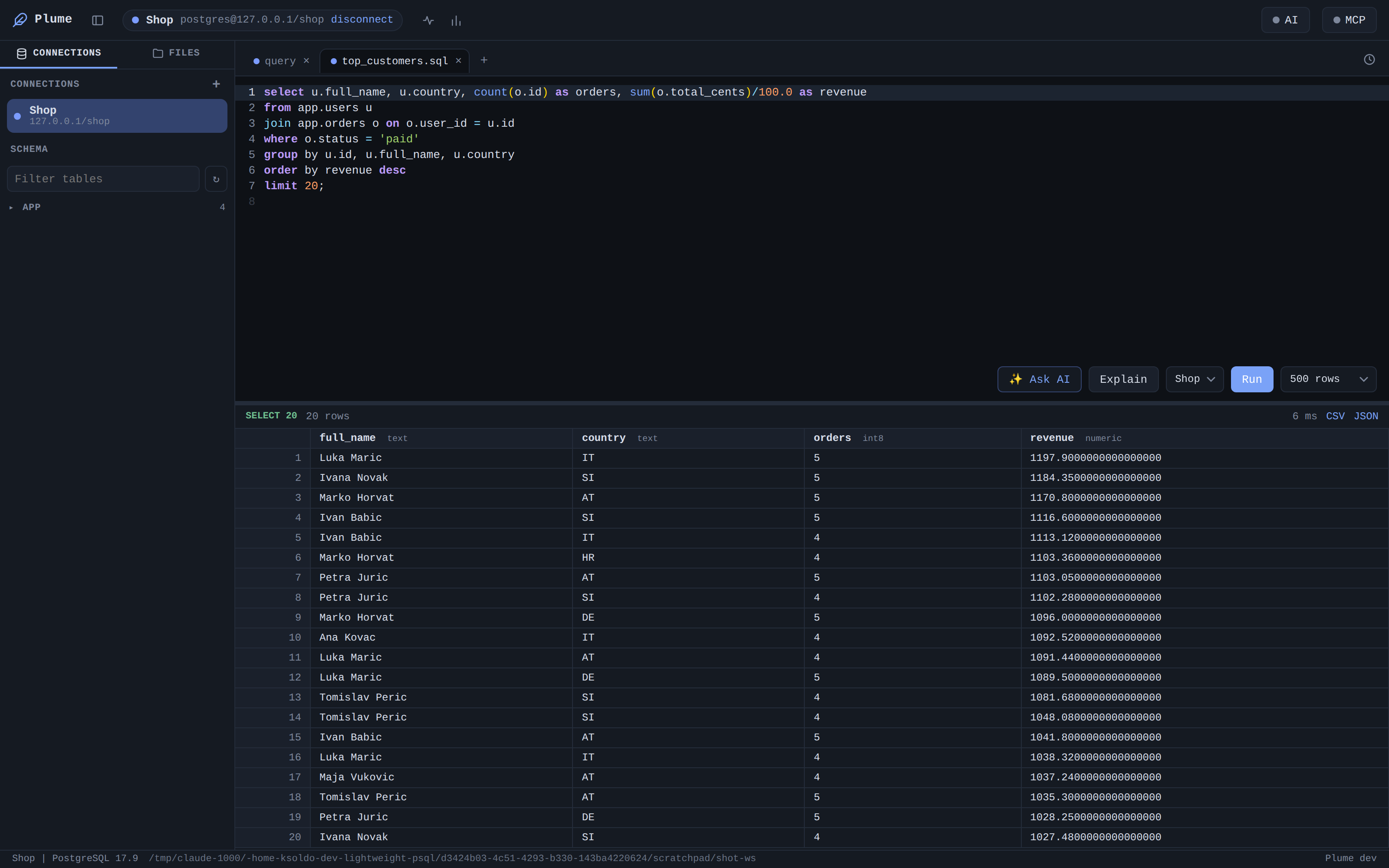
Every tab owns its own backend, so SET, temp tables and an open transaction persist per tab, exactly like psql, and never leak between tabs.
Edit result cells in place. Plume derives editability from the wire protocol and writes back fully parameterized updates that can never match more than one row.
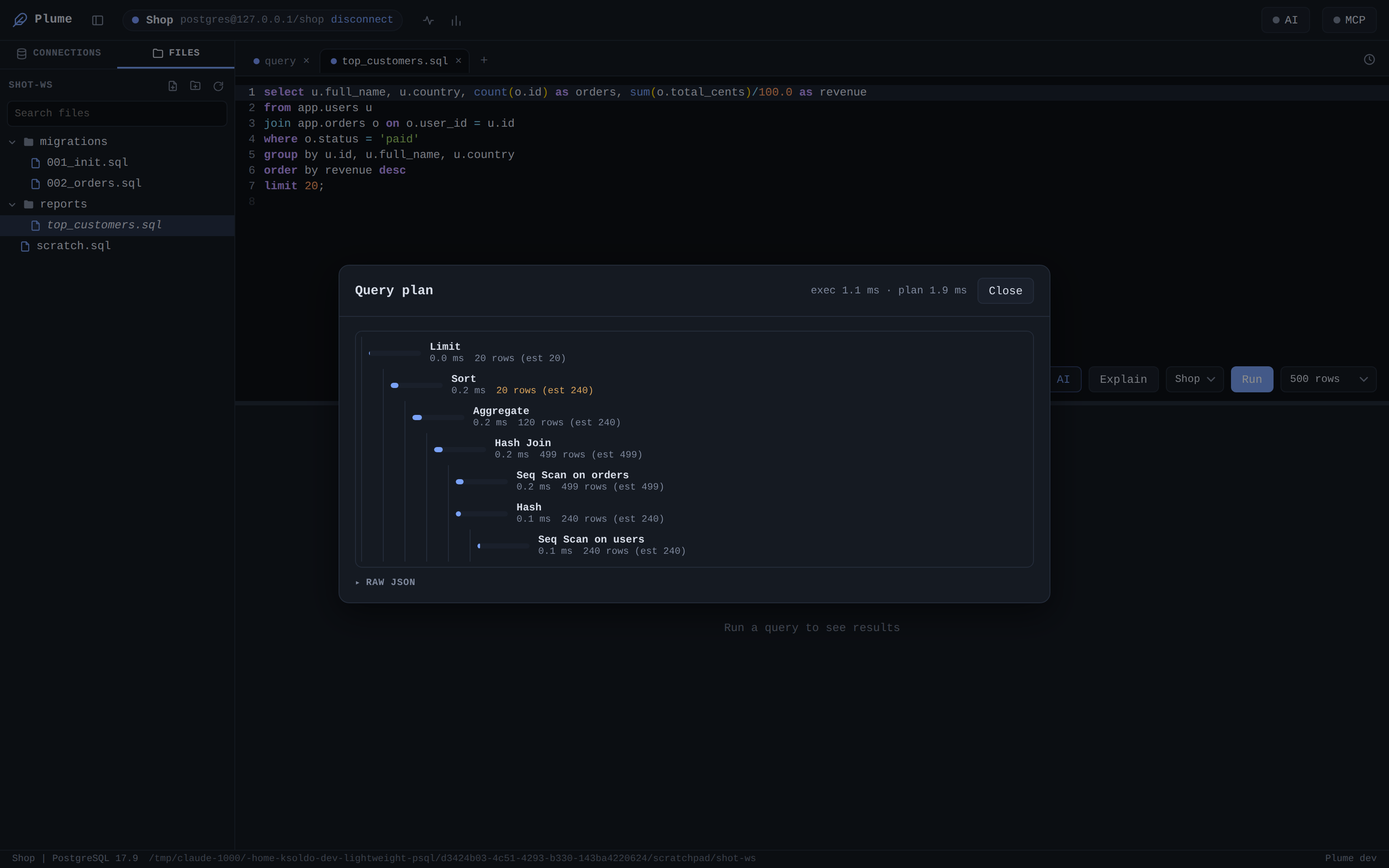
EXPLAIN ANALYZE rendered as a readable tree with timing and row estimates, so the slow node is obvious at a glance.
A VS Code style workspace tree opens your SQL files. Reopen a directory and every tab, cursor, scroll position and panel is exactly where you left it.
Watch active backends from pg_stat_activity and the heaviest statements from pg_stat_statements, then cancel or kill from the same panel.
A native dump and restore engine, so cross version backups work without a matching pg_dump on your machine.
Optional natural language to SQL, error fixes and plan reading with your own Anthropic key. Expose the database to agents over MCP, with the same safety rails as the UI.
Encrypted connection vault, per connection read only and production write guards, SSL certificates and per connection SSH tunnels.
a closer look
Run plume in a project and it opens rooted there. Your open scripts, the active tab, editor cursor and scroll, and the panel layout are saved per directory and restored on your next visit.
One click turns a query into a graphical plan. Node types, actual time and estimated versus real rows, laid out as a tree you can actually read.
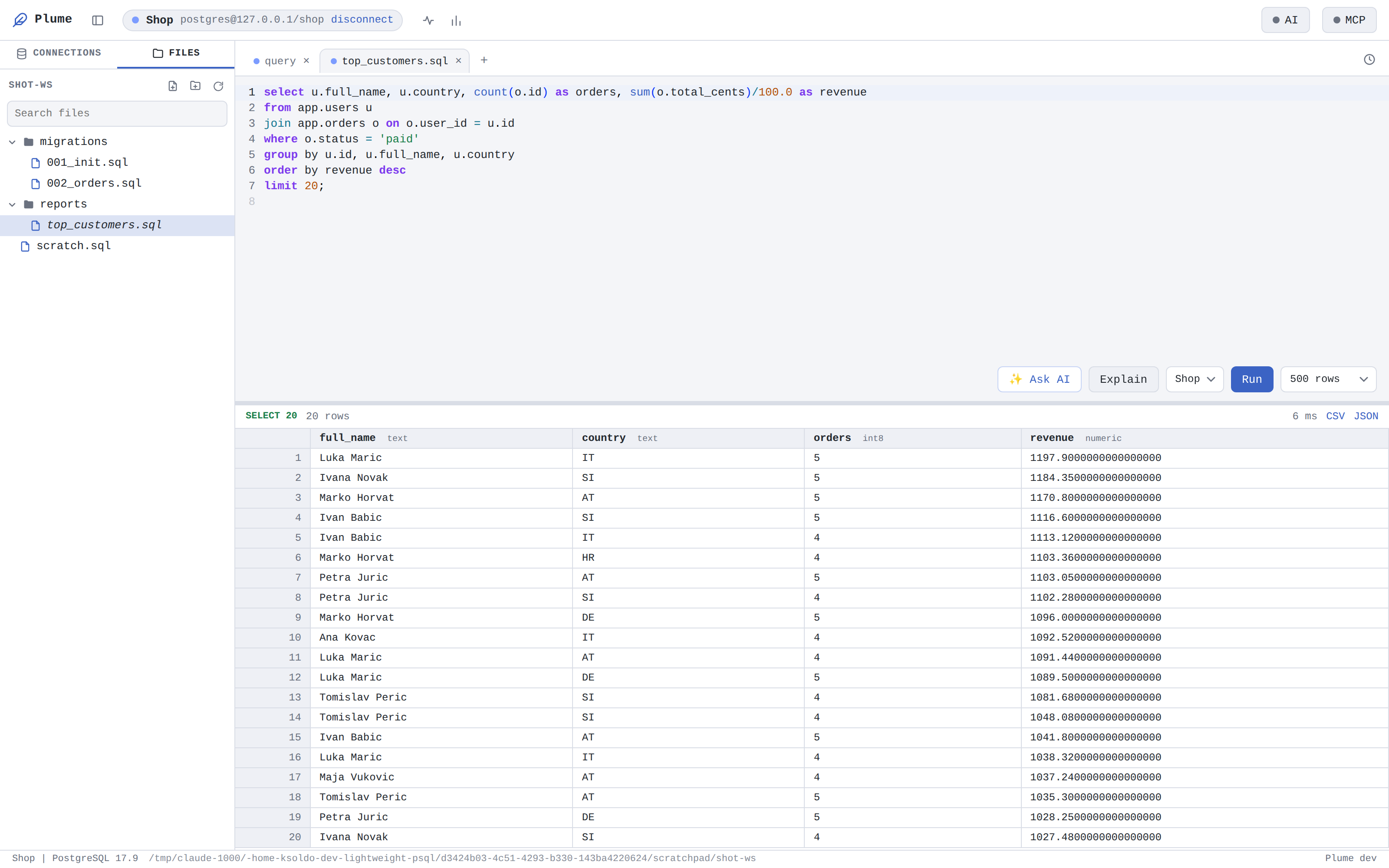
A calm, focused interface in either theme, using the VS Code font stack and a design that stays out of the way of your data.
download
The desktop app checks for new versions and updates itself, so this is the last manual download you need.
A new release lands here first. Existing installs update themselves.